Unlock your Polbytex account today.
Enroll to access Polbytex's intelligent content, curated workspace notes, and setup guidance within a sleek, unified interface.
Why join Polbytex?
- Deliberately structured content and personal workspaces crafted for effortless review.
- Save smart checklists and keep your routines organized across sessions.
- Centralized controls to manage your profile securely from one place.
Already have an account? Sign In.
Create your Polbytex account to continue.
Complete the form below to unlock Polbytex content and features.
What happens after you join Polbytex
Polbytex is engineered for clarity and efficiency. The points below outline what to expect once you complete the short form on this page.
Effortless Onboarding
Creating your Polbytex account takes only a moment. Complete the short form and advance to the next step instantly.
Content That Fits You
After submitting, Polbytex aligns content with your interests so you receive material that matters most to you.
Data Protection As Standard
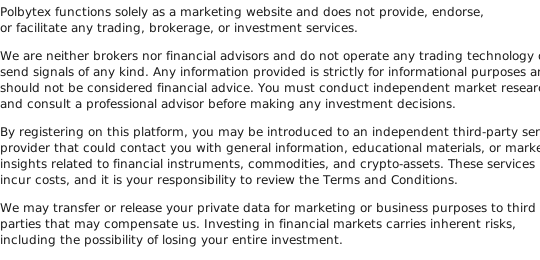
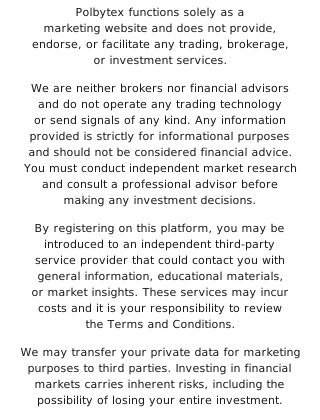
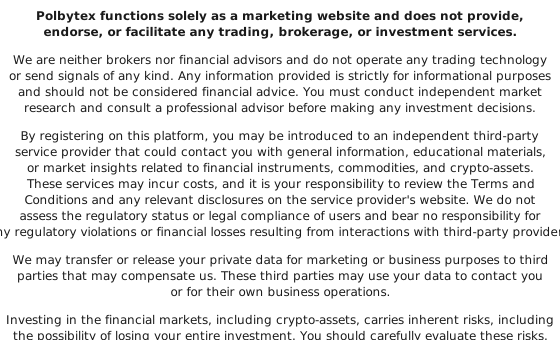
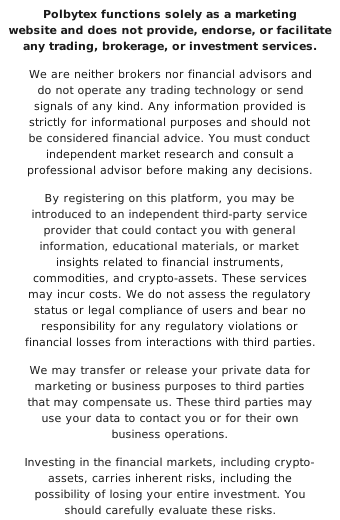
Polbytex adheres to current security best practices. Your data is used solely to deliver the service and is never shared with third parties.
Frequently Asked Questions
How do I create an account?
Fill out the short form on this page. Polbytex uses those details to configure your account and guide you forward.
How long does registration take?
Typically under a minute. The form collects only the essential details to start quickly.
Is there any cost to register?
Registration is free. Any paid services will be clearly disclosed in advance.
What happens after I submit my details?
Your information is used to configure your account and you’ll receive next steps tailored to your situation.
Is my information kept private?
Yes. Polbytex treats data with strict confidentiality and follows modern security protocols. See Privacy Policy for details.
Can I cancel or delete my account later?
Yes. You may request removal of your account at any time by contacting us via the channels listed in the footer.